Phrozen LCD Frame Tape (Sonic Mega 8K S)
This piece of tape has been specially processed and moulded so that you no longer have to cut tape when installing your LCD screen.
Sonic Mega 8K S
- Spec: 15” LCD Screen
- Content: LCD Frame Tape *2 pc
Please note that the screen protector and protective film for the Sonic Mega 8K S.
Benefits
【Easy-to-Use】: Simplifies your LCD replacement process. Once you’re done, you can start printing ASAP.
Tips
- After replacing the LCD screen, use this LCD frame sticker tape to secure the printer’s LCD screen.
- This sticker cannot be reused. Please confirm its sticking position before sticking the tape onto the LCD.
- While applying the tape, press down on the tape so that it is secure and even. Try to avoid creasing the tape.
- Please view the LCD Replacement Tutorial video.
- After replacing the LCD, please conduct the Z-axis calibration test.
Product Information
Product Information
Shipping & Returns
Shipping & Returns



Phrozen LCD Frame Tape (Sonic Mega 8K S)
Phrozen LCD Frame Tape (Sonic Mega 8K S)
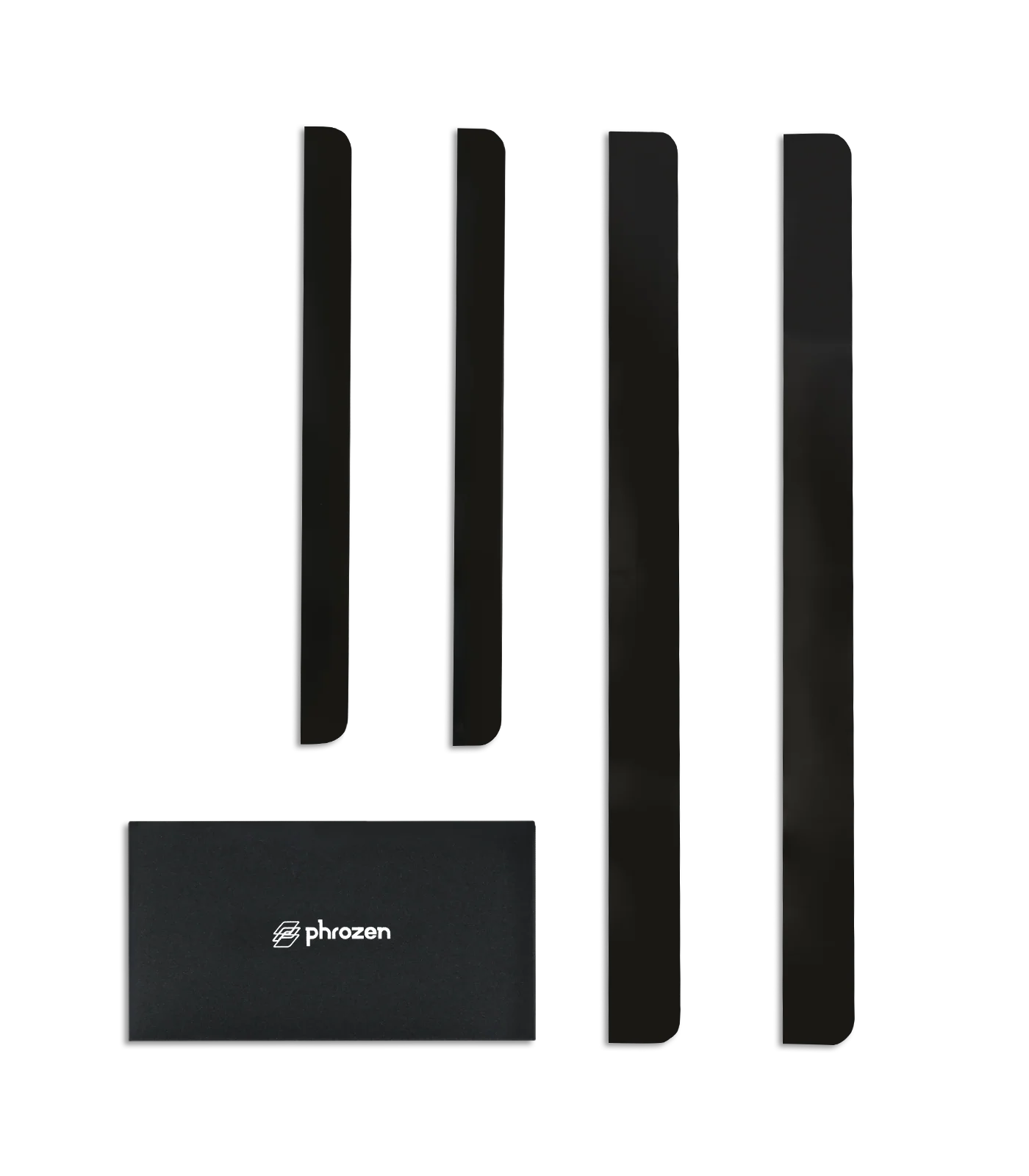
This piece of tape has been specially processed and moulded so that you no longer have to cut tape when installing your LCD screen.
Sonic Mega 8K S
- Spec: 15” LCD Screen
- Content: LCD Frame Tape *2 pc
Please note that the screen protector and protective film for the Sonic Mega 8K S.
Benefits
【Easy-to-Use】: Simplifies your LCD replacement process. Once you’re done, you can start printing ASAP.
Tips
- After replacing the LCD screen, use this LCD frame sticker tape to secure the printer’s LCD screen.
- This sticker cannot be reused. Please confirm its sticking position before sticking the tape onto the LCD.
- While applying the tape, press down on the tape so that it is secure and even. Try to avoid creasing the tape.
- Please view the LCD Replacement Tutorial video.
- After replacing the LCD, please conduct the Z-axis calibration test.
Original: $9.00
-70%$9.00
$2.70Product Information
Product Information
Shipping & Returns
Shipping & Returns
Description
This piece of tape has been specially processed and moulded so that you no longer have to cut tape when installing your LCD screen.
Sonic Mega 8K S
- Spec: 15” LCD Screen
- Content: LCD Frame Tape *2 pc
Please note that the screen protector and protective film for the Sonic Mega 8K S.
Benefits
【Easy-to-Use】: Simplifies your LCD replacement process. Once you’re done, you can start printing ASAP.
Tips
- After replacing the LCD screen, use this LCD frame sticker tape to secure the printer’s LCD screen.
- This sticker cannot be reused. Please confirm its sticking position before sticking the tape onto the LCD.
- While applying the tape, press down on the tape so that it is secure and even. Try to avoid creasing the tape.
- Please view the LCD Replacement Tutorial video.
- After replacing the LCD, please conduct the Z-axis calibration test.